> ## Documentation Index
> Fetch the complete documentation index at: https://docs.kinetica.com/llms.txt
> Use this file to discover all available pages before exploring further.
# Info (Instance Information)
Click **Info** in the top navigation menu to access several methods for
monitoring & checking the health of the system.
## Status
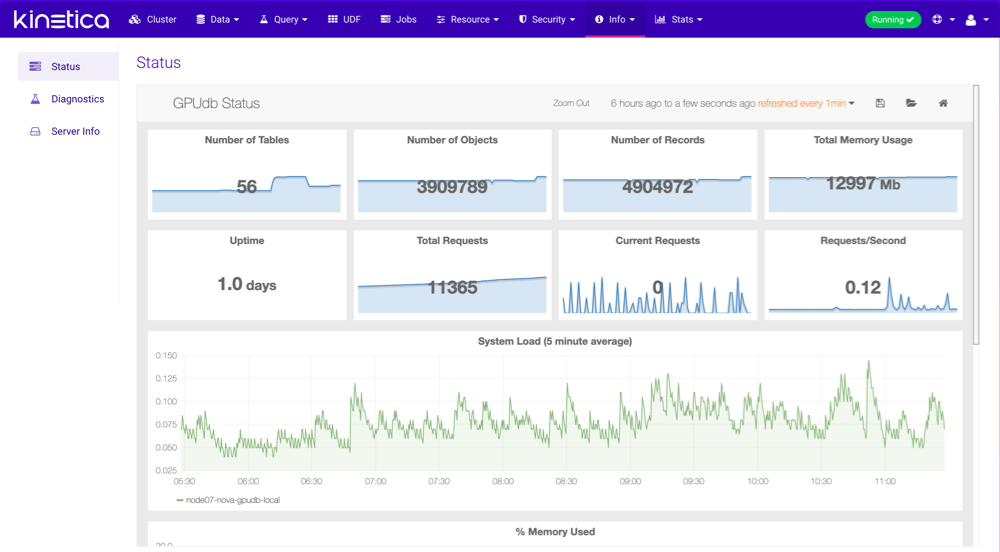
**Status** will display the main set of *Kinetica* metrics.
 ## Diagnostics
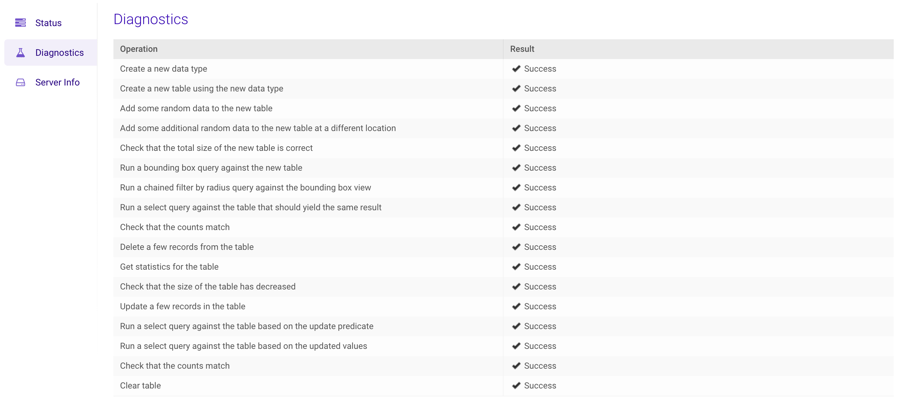
**Diagnostics** will perform several tests on the *Kinetica*
server/cluster to determine whether or not the system is functioning properly.
The result should look similar to this:
## Diagnostics
**Diagnostics** will perform several tests on the *Kinetica*
server/cluster to determine whether or not the system is functioning properly.
The result should look similar to this:
 ## Info
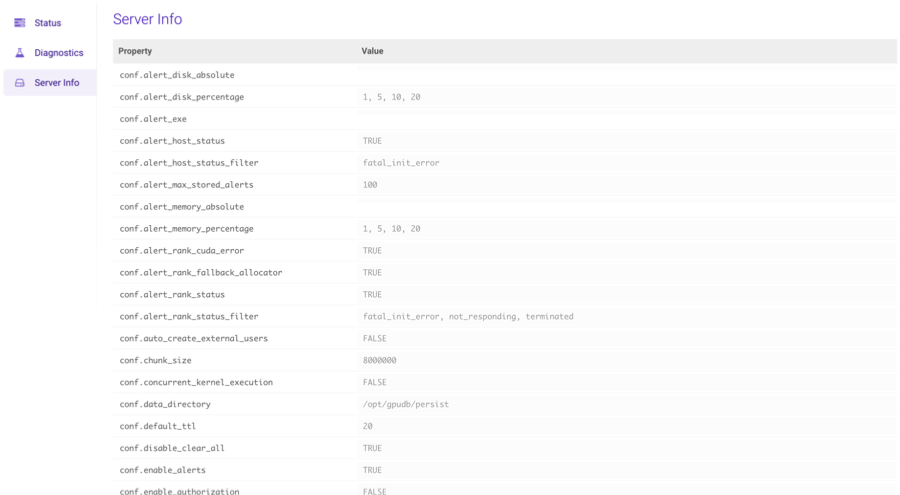
**Info** will show you configuration and version information about your
instance of *Kinetica*.
## Info
**Info** will show you configuration and version information about your
instance of *Kinetica*.