> ## Documentation Index
> Fetch the complete documentation index at: https://docs.kinetica.com/llms.txt
> Use this file to discover all available pages before exploring further.
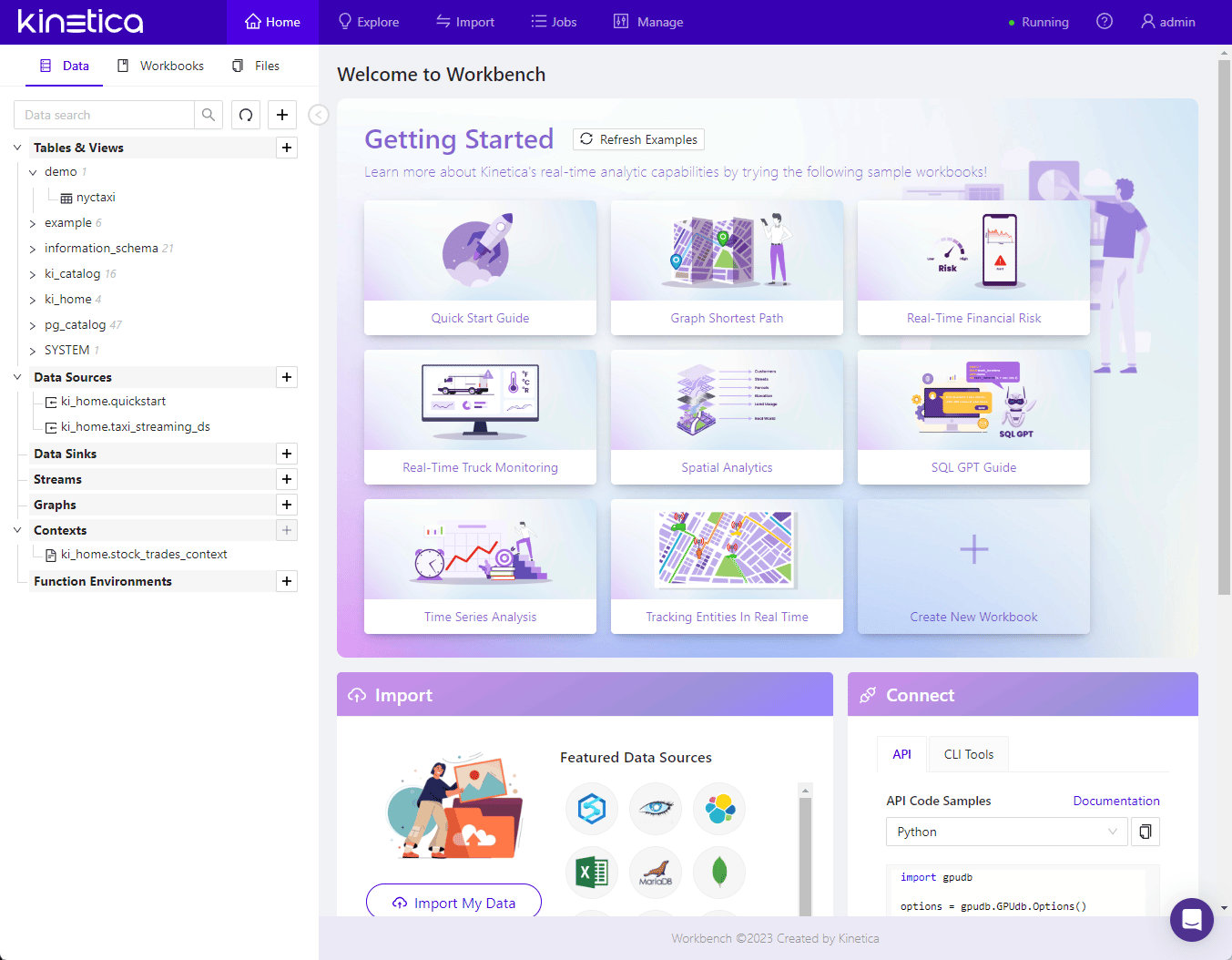
# Kinetica Workbench
The *Kinetica Workbench* is the primary interface for interacting with the
*Kinetica* database. Here, you will find:
* The *Data Object Explorer*, which shows you all of the database objects in
your database
* *SQL Workbooks*, which organize and store your SQL code and visualizations
* An *Import/Export Wizard*, which helps you import data into the system in a
guided workflow
 ## Workbench Components
* [Workbench UI](/content/admin/workbench/ui)
* [Using Workbooks in Workbench](/content/admin/workbench/workbooks)
## Connecting to the Kinetica Workbench
You can connect to the *Workbench* by opening up the hostname in a browser on
its default port; for example:
```
http://localhost:8000
```
## Workbench Components
* [Workbench UI](/content/admin/workbench/ui)
* [Using Workbooks in Workbench](/content/admin/workbench/workbooks)
## Connecting to the Kinetica Workbench
You can connect to the *Workbench* by opening up the hostname in a browser on
its default port; for example:
```
http://localhost:8000
```