> ## Documentation Index
> Fetch the complete documentation index at: https://docs.kinetica.com/llms.txt
> Use this file to discover all available pages before exploring further.
# Workbench Explorer
The *Workbench Explorer* is situated in the left-hand pane of *Kinetica's*
[Workbench](/content/admin/workbench) administration application. It
provides the following object-centric explorer views:
* [Data Explorer](/content/admin/workbench/ui/explorer/data)
* [Workbook Explorer](/content/admin/workbench/ui/explorer/workbooks)
* [File Explorer](/content/admin/workbench/ui/explorer/files)
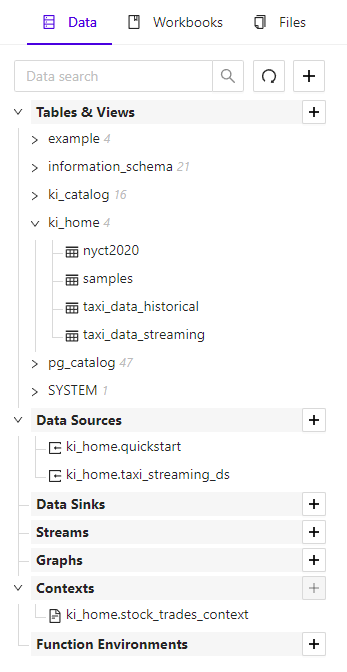 The *Workbench Explorer* is always available in the left-hand pane, though it
can be collapsed by clicking the left-facing arrow at the top of the pane.
The *Workbench Explorer* is always available in the left-hand pane, though it
can be collapsed by clicking the left-facing arrow at the top of the pane.