

-
Log into GAdmin
-
Enter Username (default is
admin) -
Enter Password (default is
admin)If the database was installed using KAgent, the password will be the Admin Password created during setup. - Click Login
-
Enter Username (default is
- Click Admin in the top right corner
-
Click Change Password
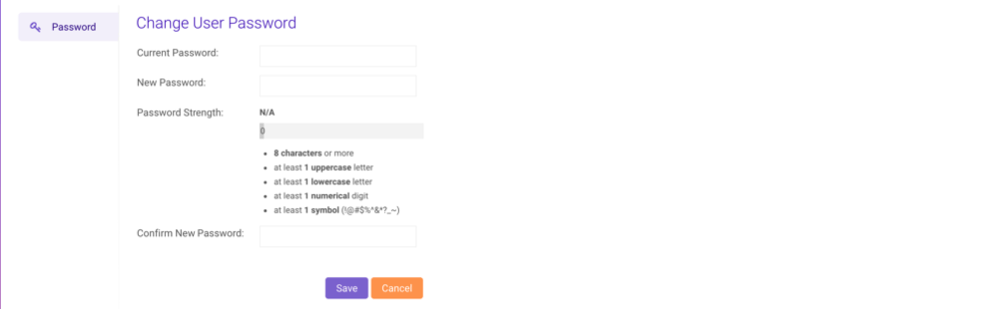
- Enter the Current Password
- Enter a New Password that meets the password strength requirements (up to 1024 characters)
- Enter the same new password in Confirm New Password
- Click Save to save the new password
Administration
Changing the Administrator Password
To change the administration account password, follow these steps: