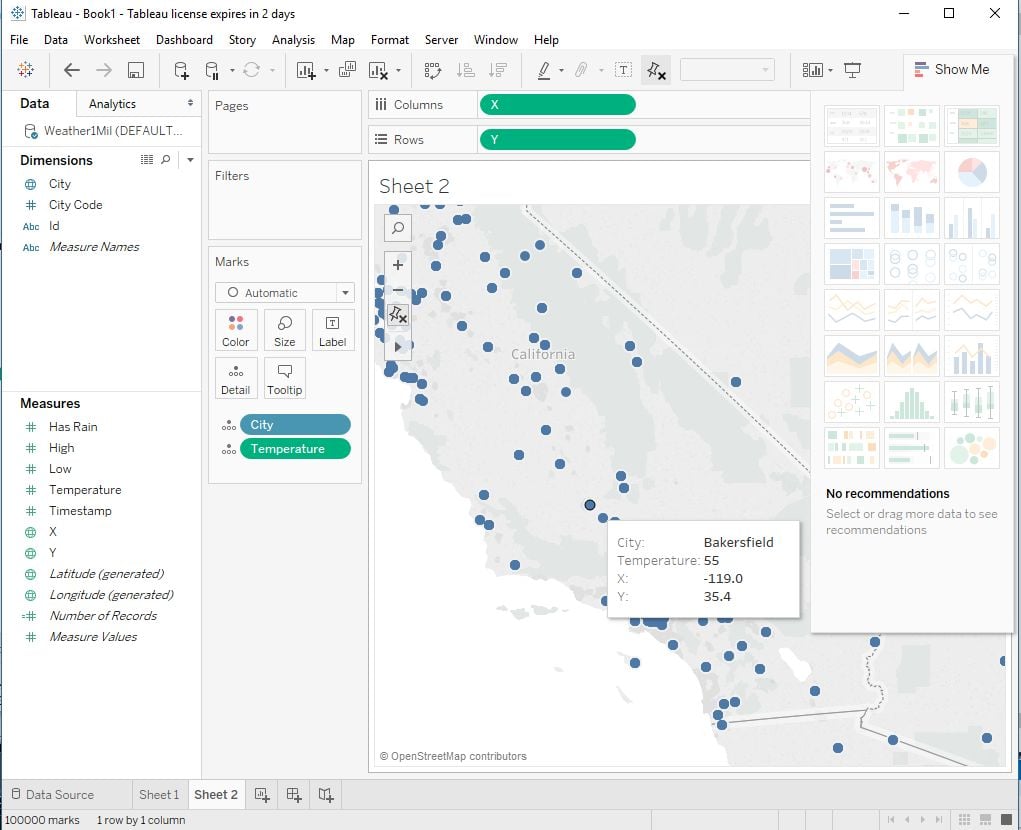
To visualize maps from Kinetica-hosted datasets, see
Kinetica Geospatial Visualization for Tableau.
- Create an ODBC DSN for your Kinetica instance/schema using the ODBC Data Sources Windows application
-
In Tableau, select the Kinetica DSN
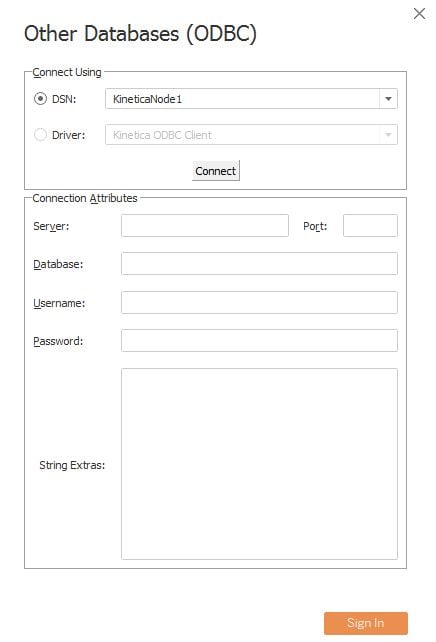
-
Once the ODBC connection has been made, you will see your schema in the
Select Database options. Select the schema
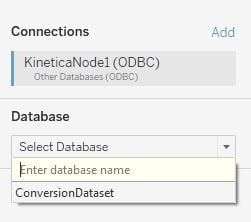
-
Select the table containing the data you want to view
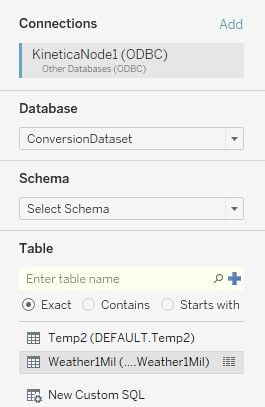
-
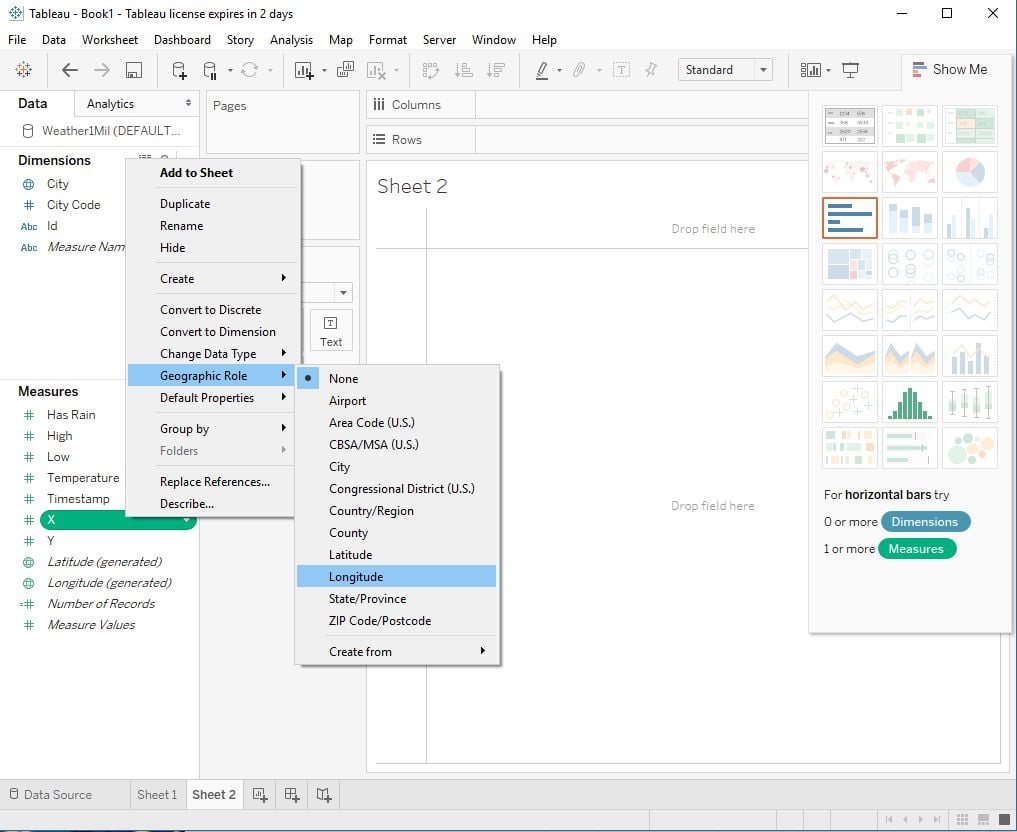
From a sheet, configure the fields as needed. In this example, the “x” field
is set as longitude and the “y” field is set as latitude.
-
Add the fields you want to view and the type of display