

Quick Install Guide
Follow our quick install guide for step-by-step instructions on how to get up and running with Kinetica’s KAgent install program.
Install now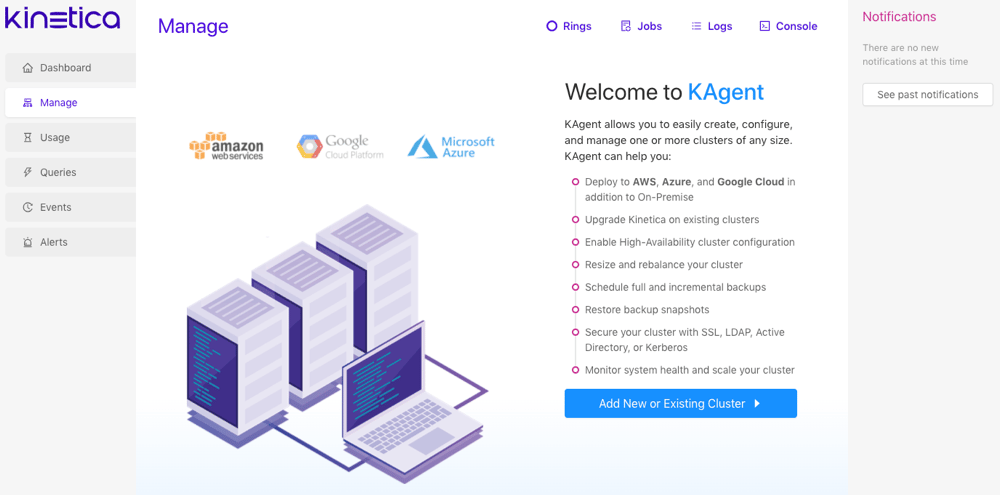
Topics
Installation Options
Resource Management
High Availability
Configuration Reference
- Version
- Identification
- Hosts
- Ranks
- Network
- Security
- Auditing
- Licensing
- Processes and Threads
- Hardware
- General
- Visualization
- Video
- GAdmin
- Text Search
- Persistence
- Monitoring / Statistics
- Procs
- Graph Servers
- Server-Specific Parameters
- Etcd
- Machine Learning (ML)
- Alerts
- PostgreSQL Proxy Server
- SQL Engine
- External Files
- Tiered Storage
- Storage Volumes
- KiFS
Product Highlights
Useful Installation Tools
Kinetica provides both command-line & GUI-based installation options.
Storage & Resource Management
Tiered Storage and resource groups can be configured to manage resources and request priorities.
Storage & Resource Management
GUI-based administration UI for monitoring and alerting.
How-To Guides
Quick Start Guide
Get started with Kinetica WorkbenchLength: 15 MIN