Actions
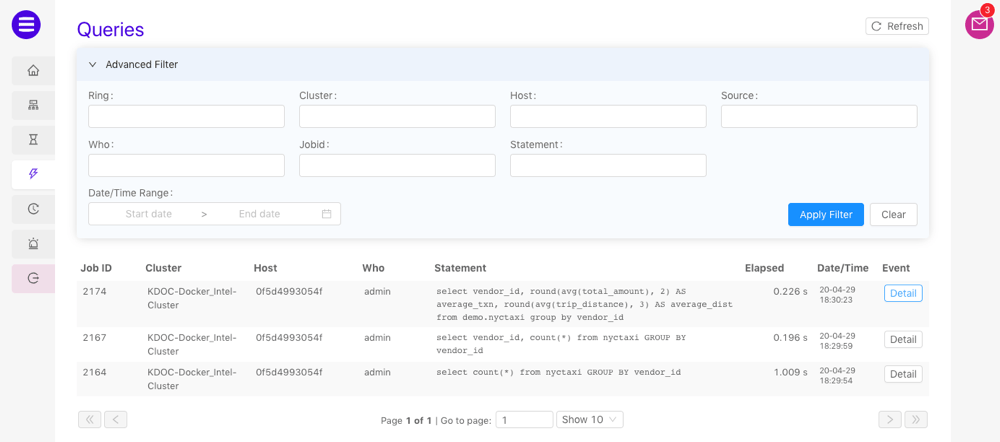
The available actions on the Queries page are as follows:- Refresh the list of queries by clicking Refresh
- Update any of the Advanced Filter fields and click Apply Filter to filter the queries list based on the provided values. Click Clear to remove the filter.
-
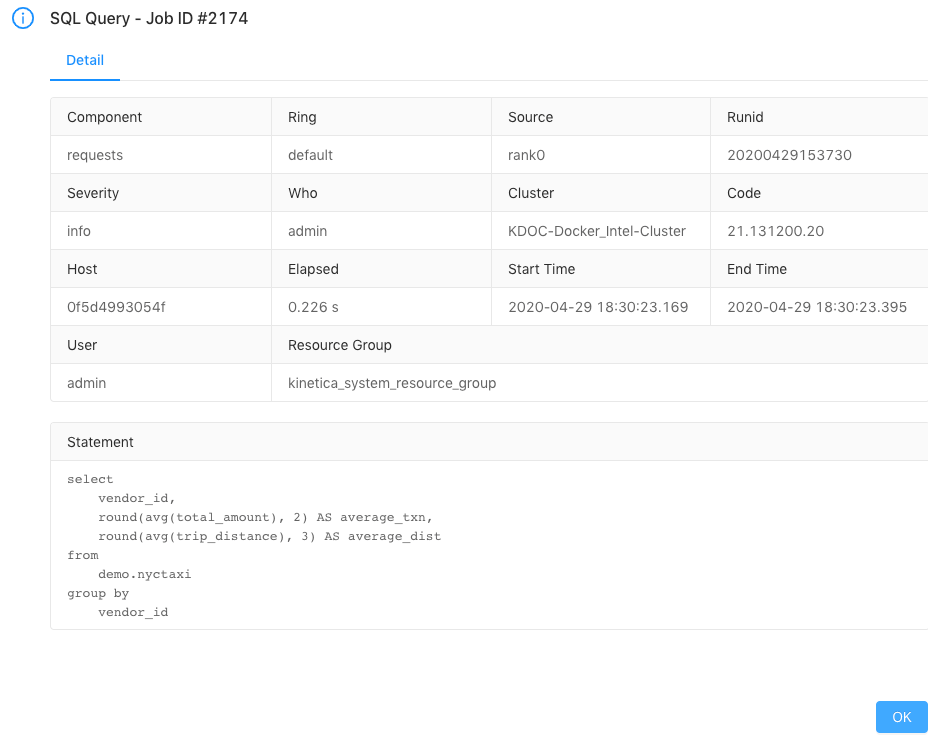
Open a detailed view of a query by clicking Detail next to the
desired query: