

Actions
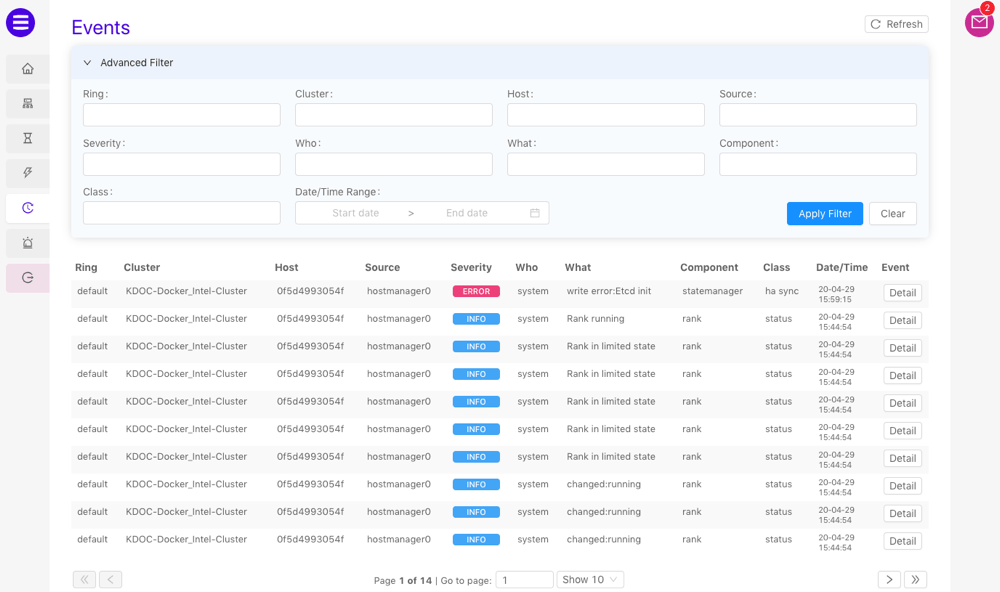
The available actions on the Events page are as follows:- Refresh the list of events by clicking Refresh
- Update any of the Advanced Filter fields and click Apply Filter to filter the events list based on the provided values. Click Clear to remove the filter.
- Open a detailed view of an event or query by clicking Detail next to the desired event or query.