

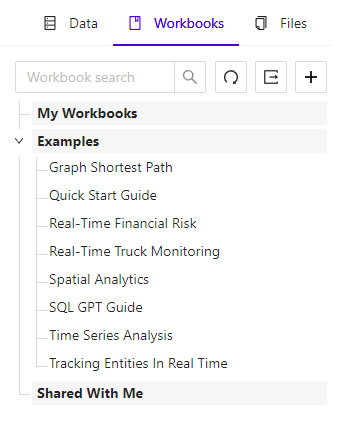
Workbook Explorer Tab
General Features
At the top of the Workbook Explorer tab are several workbook actions:- Search box - filters displayed workbooks, by name
- Refresh icon - refreshes the list of displayed workbooks
- + icon - adds a new workbook
Workbook Lists
The Workbook Explorer has two lists of workbooks:- My Workbooks - workbooks created by the current user
- Examples - workbooks that are provided with Workbench for exploring the various features of Kinetica
- Shared With Me - workbooks shared with the current user