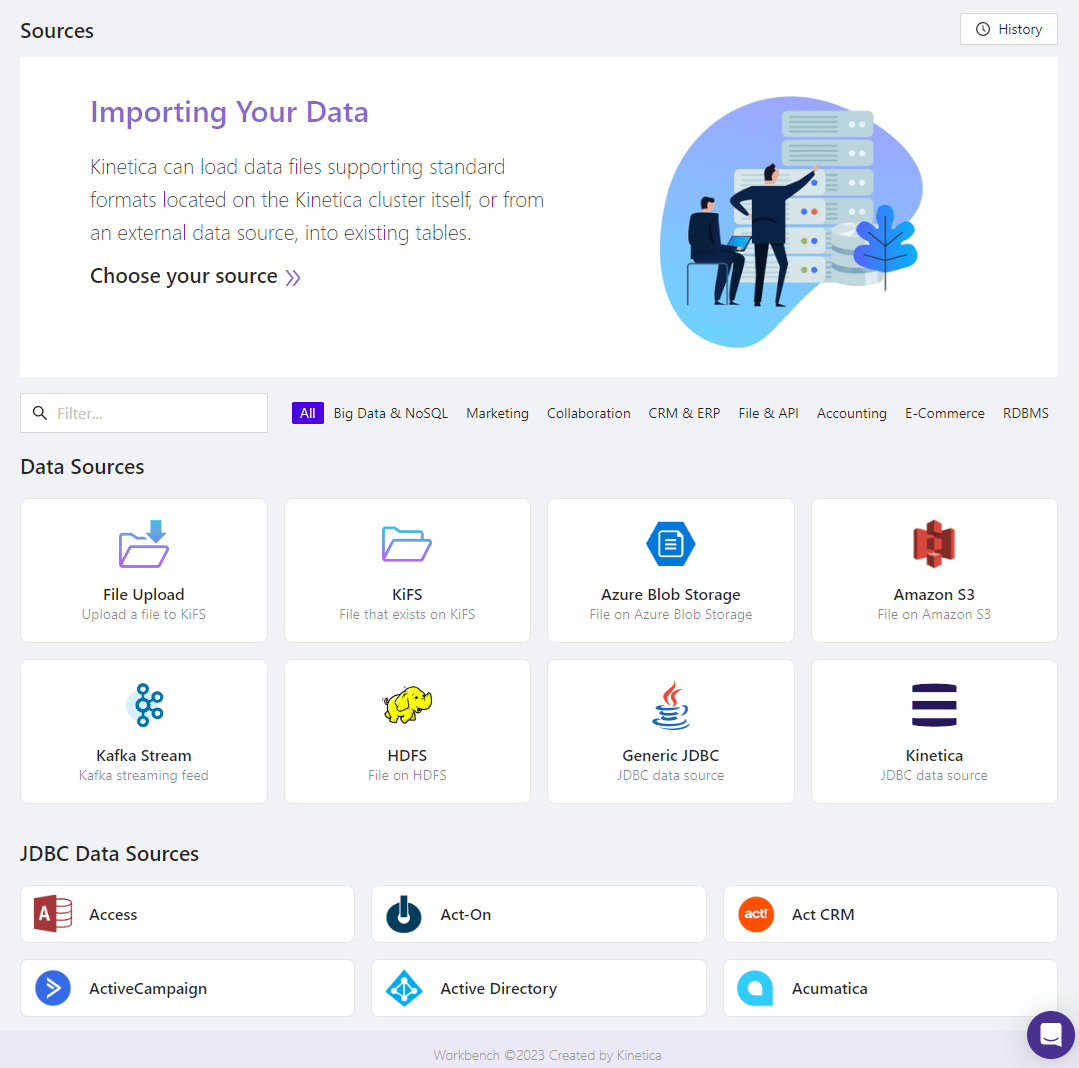
The Import interface is situated in the right-hand pane of Kinetica’sWorkbench administration application. It can
be used to import data into the database from a variety of sources.
Import Landing Page
To access the Import page, in Workbench, click the Import
menu item.There are several mechanisms for importing data into Kinetica: